Protecting your online accounts with strong, unique
passwords is easier said than done. While
password managers and
two-factor authentication are a
great help, passwords are still a liability both for website operators and
for customers. So, computer scientists have been working on an alternative
that’s both easier and safer: passkeys.
Matching pairs
A passkey is a unique association between you and a website. It’s not
something you have to come up with yourself; but it’s not just a long,
random password either.
In fact, there are really two keys involved: one kept secret by your
device, and one stored by the website. The keys are mathematically linked
such that your device can prove its identity without actually sending the
secret key.
Security benefits
Unlike a password, you can’t be tricked into typing a passkey into a
phishing website — because there’s no box to type in!
The process happens automatically behind the scenes.
Next, unlike a human, a browser can’t be tricked by a subtly misspelt
web address: it will only use a passkey on the site to
which it belongs.
Finally, passkeys are secure enough by themselves that they remove the need
for two-factor authentication in routine use — though at the time of
writing, the extent to which different services will do this remains to be
seen.
Creating passkeys
Some websites will prompt you to set up a passkey when you sign in.
Otherwise, you can go to the page for managing your account; typically the
link is in the top-right corner. If the website supports passkeys, you’ll
find the option under a heading like ‘security’ or ‘sign-in options’.
 A web browser offering to create a passkey
Using passkeys
Your computer, tablet or phone stores passkeys securely, but you don’t need
to remember a new code or master password to actually log into websites with
them: you just use the same fingerprint, face recognition, PIN or password
you use to unlock the device. Your browser selects the passkey that matches
the website you’re using, and performs the necessary ‘handshake’ to log you
in.
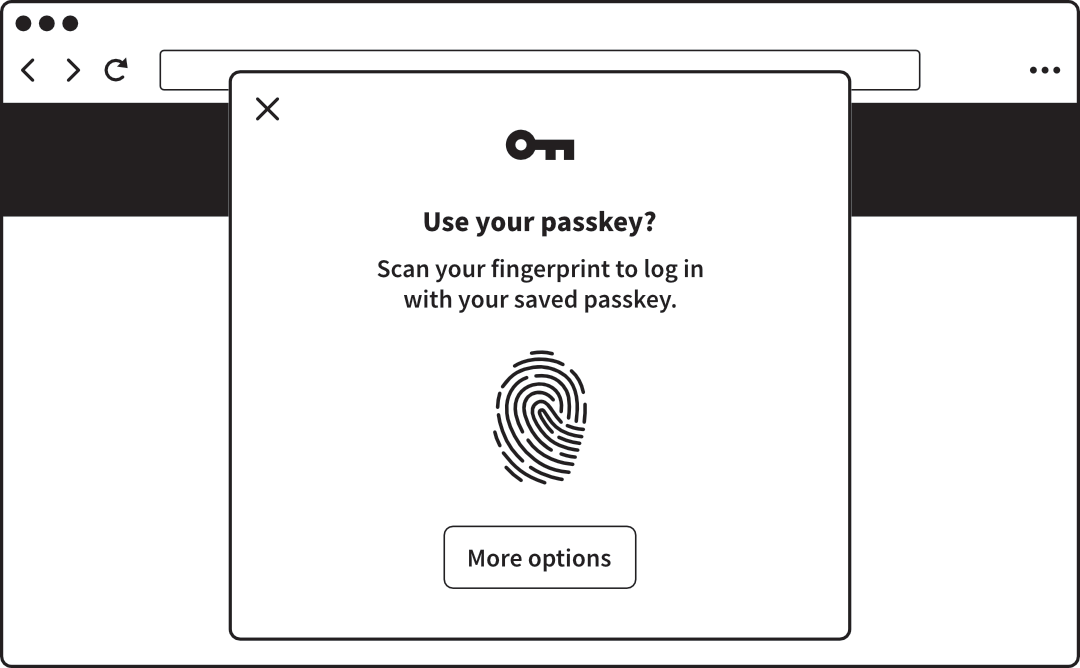 A web browser offering to use a passkey with biometric approval
Syncing passkeys
The major industry players – and others, including companies making
password managers – have created ways to sync passkeys between your devices
via their respective cloud services.
In doing so they have carefully considered the safety of the stored keys,
which would be a goldmine for hackers. They’re encrypted using a PIN or
equivalent – chosen by and known only to each customer – so that even the
company itself can’t read them.
Cross-device authentication
In some cases, you can use a passkey stored on one device to log in on
another. So, you might use a passkey stored on your phone to log into a
website on your computer — even if the devices aren’t syncing passkeys. This
is called cross-device authentication.
For example, on your computer, you’d choose the option to use a passkey
from another device. The computer then shows a QR code. You point your
phone’s camera at the QR code to scan it, and the necessary information is
exchanged via Bluetooth.
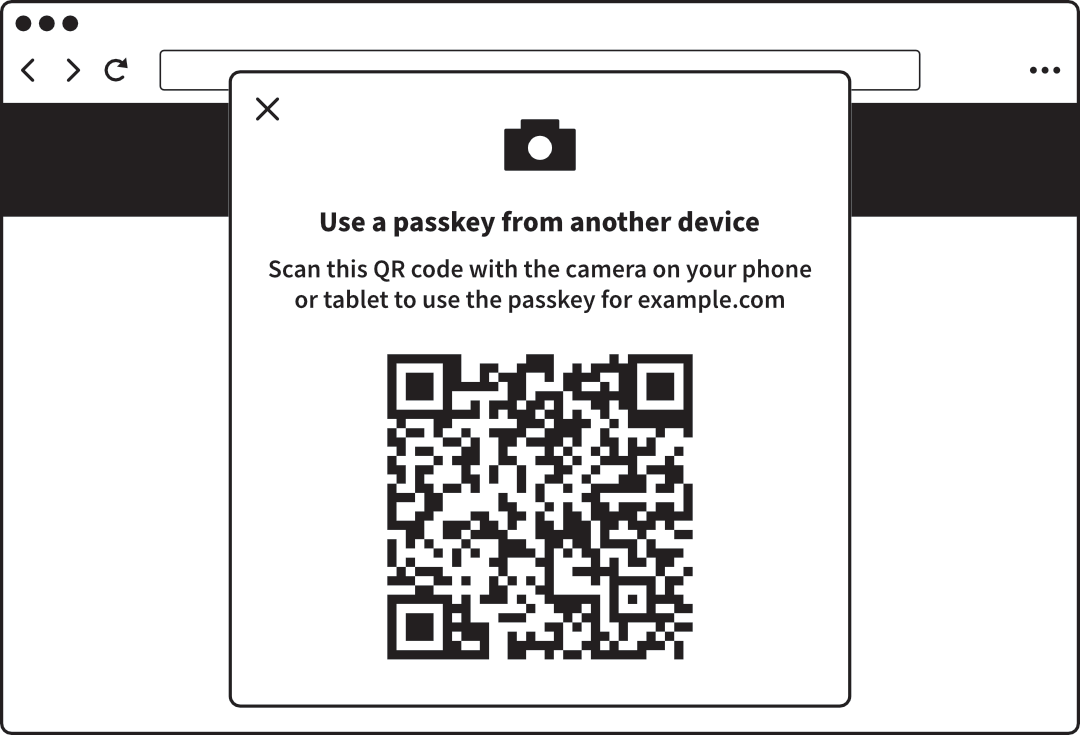 A web browser offering cross-device authentication
Lost passkeys
While passkeys are convenient for day-to-day use, they don’t supplant the
older authentication options you’ve previously set up. If for any reason you
lose your passkeys, you can still log into the site using your password and
two-factor authentication.
It’s likely that in future, more accounts will go
passwordless — but they still won’t rely on
passkeys exclusively. You’ll still register a phone number or authenticator
app – or print a recovery code – in case you lose your passkeys.