If you go to print something and see a Save as dialog instead,
your software is probably set to print to a ‘virtual’ PDF printer rather
than your actual printer.
Popular web browsers
like Chrome and Edge, as well as Windows itself, include a virtual printer —
and while it can be useful if you do want to make a PDF, it seems
to sometimes become selected by itself.
When you go to print, look for something like this:
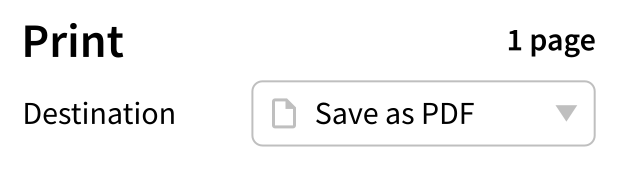
To correct it, click the name of the virtual printer and choose your actual
printer from the dropdown:
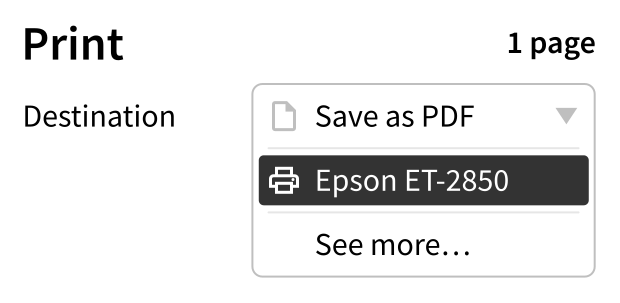
If in Chrome or Edge your printer isn’t in the list, click See
more.